Springboard to Success

In 2015, the winner of my first spring cleaning challenge deleted over 30,000 emails.  Wow!  Two years later she still keeps her inbox tidy by regularly deleting unwanted emails and unsubscribing to promotionals. Read about it here.

Since many of my posts focus on cleaning “stuff”, this challenge focuses on decluttering one’s brain. Throughout history, humans have always been interested in expanding their collective memories by utilizing external “storage devices”.  Before paper and computers were invented, humans used stones and other types of hard materials to record things that were important.  I like to think of recordkeeping as the world’s 2nd oldest profession.

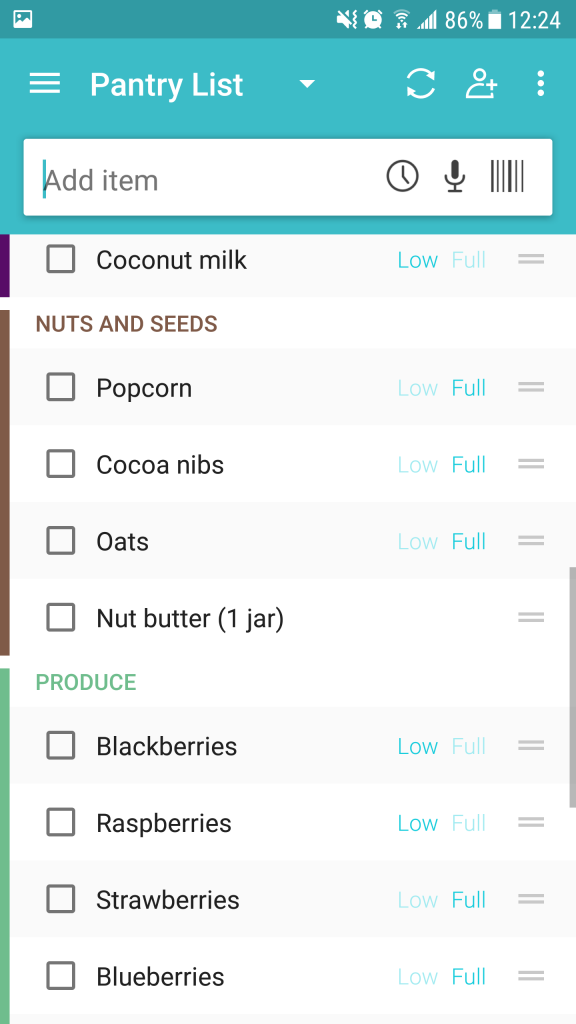
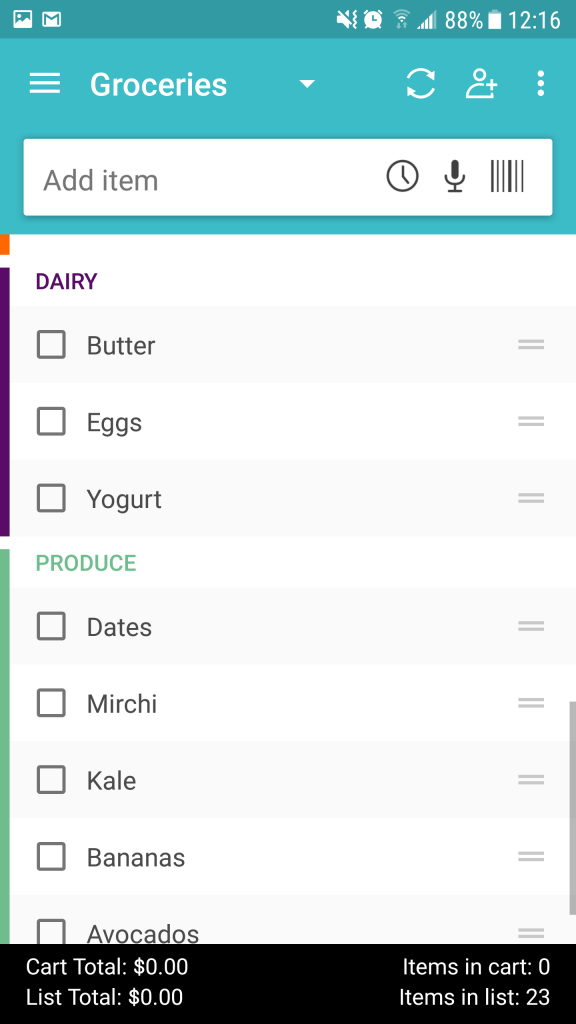
Today’s modern environment is busy and the extra storage options don’t necessarily relieve our burdens.  I employ a few strategies to keep up with life’s everyday demands.  One effective, yet simple strategy, is to make a list.  I use a task management app, but I’m still fond of post-it notes.  The second part of the process is to review the lists on a routine basis (i.e. weekly or daily).

Your challenge: Practice a Weekly Review and Commitment 

Write a list of all the things you need to accomplish that keep falling to the bottom of the to-do list.  Select 3 to focus on for the week, in addition to your everyday tasks.  Commit to getting these 3 things accomplished.  At the end of the week, review your list and evaluate the results.  Pick 3 new things to focus on for the following week.  Repeat the weekly review at the end of the second week.

  1. April 4 – 9: make task list, commit to 3 of them
  2. April 10 – 16: accomplish the 3 tasks, review task list, pick 3 new tasks
  3. April 17 – 23: accomplish the 3 tasks, review task list, pick 3 new tasks
  4. April 24 – 30: complete the questions below and send to info@thedeletist.com

It’s easy to feel overwhelmed.  Writing down tasks externally relieves the brain from having to remember these things so it can focus on getting them done.  Committing to a small number of manageable tasks at one time is a great way to be productive. The review is critical.

Keep in mind some tasks may need to be broken down into smaller steps.  For example, I want to upload old CDs (yes, I still have some).  Step 1 is figuring out how to accomplish this since my new computer doesn’t have a CD drive.  Step 2 is defining keep/toss criteria.  Step 3 is figuring out how to organize uploaded content.  Step 4 is uploading.

Due April 30

Questions:

  1. How useful did you find the strategy of writing down your tasks, selecting, and committing to 3 of them?  Scale of 1 – 10 (1= not at all, 10 = life changing)
  2. Did you do the weekly review?  Yes/No
  3. Was this your first time doing a weekly review?  Yes/No
  4. Did you find it useful?  Yes/No
  5. Do you think you will continue to use this strategy?  Why/ Why not? 

The winner will receive a $50 gift certificate to a vendor of his/her choice.  Good luck!

Arrival of Spring

Something about the arrival of spring always puts a new bounce in my step.  I admire the force and determination at this time of the year.  The new buds emerge at the ends of tree branches and new flowers continually appear on the sides of the roads, even with temperature drops below freezing and the occasional spring snowfall.  Despite all that, the plants forge ahead with their plans and continue to grow and bloom.  Soon the birds start to come back again.  Their chirping is always a welcome sound to me after the winter.

The other day I took some time to walk again through Allan Gardens.  Once again I felt my breathing deepen to inhale the warm, moist, loamy air.  My pace slowed down to take in all the changes since my last visit.  This time the gardens were totally transformed from white, red, and peppermint poinsettias to a more varied spring palette featuring yellows, pinks, and purples.  And of course lots of green.

The arrival of spring.

Even the turtles looked happier than usual sunning themselves on their favorite rock.  Usually they’re just hanging out on the rocks, but this time a couple of them were swimming.

And there were orchids everywhere.  Having spent the majority of my life in North America, I don’t normally equate orchids with spring, but they’re so beautiful I love seeing them any time of the year.

One special tree was loaded with orchids.

Ever since I was a child, spring has always felt like a magical time of the year.  I always feel so encouraged by the plants growing, the increased energy both in me and around me, and the explosion of color.  Even the wind changes to something that caresses my face instead of trying to rip it into tiny shreds.

This year, the arrival of spring coincides with my 200th posting!  Something about this season always makes me feel like cleaning.  Perhaps this is because my energy levels go up from all the additional sunshine and warmth.  Or maybe it’s because all the extra sunlight streaming in makes it really easy to see how long it’s really been since that last dusting.  Whatever the reason, stay tuned for next week’s posting “Spring into Action” where I will outline the contest rules for the 2nd Spring Cleaning Challenge as my 201st posting.

When Technology Works Perfectly

A couple weeks ago I finally went out and bought a new laptop.  Sometime in September 2016, when I called Apple due to a problem I was having with their photo application (iPhotos), I heard two stressful pieces of news.

  1. My 2010 laptop was considered “vintage”.  Admittedly old by technology standards, but vintage?
  2. iPhotos was no longer supported.  If I wanted assistance I would have to upgrade my operating system and start using Photos (the new version).

I was ready to purchase the laptop in December but I kept procrastinating.  I was comfortable in my vintage, unsupported laptop and dreading the migration process.  The time, the inconvenience, the annoyance of having to set everything up.   And then my vintage laptop started acting its age.  Slow performance, scary and unpredictable things happening while I was working.  I was ready.

One day I backed up my laptop onto an external hard drive.  As I packed up the external hard drive into my bag, I wondered if it was actually going to work to set up my new laptop.  For years I had been backing up my laptop in blind faith using Time Machine, Apple’s backup system.  Fortunately, I’d never had a reason to test it.  I felt somewhat confident that all of my content would make it over, but I wasn’t sure what shape it would be in.

About 3 hours later I was back home with my new laptop configured almost identically to my old laptop.  Amazing!  The transition was seamless.  The only difference I notice is how much better and faster everything is with the new computer, including the improved sound quality from the speakers.

This was not the case when I replaced my smartphone last summer after falling in a lake.  It made me realize I can do better with my smartphone backups.  I didn’t lose any data, but I lost all my configurations and my beloved ring tone of ocean surf and seagull cries.

My general feeling about technology is that it should make my life better somehow.  Too often I find myself frustrated by technology because it doesn’t work the way I want it to.  Or it doesn’t work as well, or even offer the same great features I can find in paper.  But this time, I was really impressed with how easy, painless, and fast the move was to my new laptop.  The technology worked perfectly!

The Other Side of Autosave

I started using Google Keep a few months ago.  Google Keep is essentially a note taking app that can record notes, messages, reminders, checklists, etc. in a variety of methods.  It’s also flexible enough to handle photos and other types of data imports.  It integrates with other Google apps (Drive, calendar, etc.), which I also use, and across devices.  I thought it would be pretty amazing, but the organization methods are a bit too basic for my needs.  And then I got burned by Google Keep last week.

I was using Google Keep to record a unique 25-character passcode on a note with similar types of information.  I realized I didn’t need the passcode and deleted it.  The delete key went too fast and wiped out 95% of my note in about 2-3 seconds.  Then I saw Google Keep autosave the “changes” with no option to reject, unsave, undo, or restore a previous version.  The irony of The Deletist being out deleted by an app named Keep!

The whole experience made me keenly aware of how different my smartphone keyboard is from a laptop, or desktop, one.  Had I been using Google Keep from my laptop, I could have easily undone the accidental deletions with ctrl+Z, or by right-clicking the mouse.   Or I might have been able to restore the document from an earlier auto-saved version.

And then I started to feel really irritated by the instant auto-save feature.  I’ve definitely lost work when it wasn’t saved and something happened to the computer or network.  But to me the solution was never to autosave every keystroke.  I like having the document temporarily autosaved in the background for restoration purposes, but only if it doesn’t cause the app to slow down.  But I also prefer to consciously decide when I want to save, or not save, changes.  Why can’t Google Keep have an option for me to choose when I want to save something?  Why can’t I have the option of closing the document without saving changes?

As for the note… I did a few Google searches and found similar stories.  A couple people had accidentally replaced their notes with a single letter while trying to copy and paste them.  I still haven’t found a way to restore the information, other than by recreating it.  Fortunately only 2 things got deleted and I can replace them with minimal effort.

Sprinting through Clutter

It seems I never have enough time in the day to do everything.  Things start to pile up and as my energy gets lower, I feel really unmotivated to do anything that is not critical.  I can keep going for a while, but eventually I reach my tipping point.  Essentially I find myself unable to move forward without doing the dreaded things, but yet I can’t make myself do it.  Or I’m so exhausted that I only have energy for the essentials.  Yet, I’m expending energy thinking about, and avoiding, all the other things piling up.  groan.

One strategy I developed is to approach the dreaded tasks in short bursts of focused energy, the “sprint”.  I use this method to get through tough work assignments, a lingering to-do list, processing a crowded email inbox, cleaning a dirty kitchen, and getting rid of clutter.  Typically my sprints are from 5 to 20 minutes.  When I’ve completed my designated amount of time, I call it quits and congratulate myself for having accomplished this small feat.  I feel it’s important to be “finished” and sometimes I define that with a time limit.  For example, “clean the kitchen for 10 minutes”.  It likely won’t be fully cleaned after 10 minutes, but I consider it finished for the day.

Usually at the end of the day, when I’m super tired, I like to do a 5-minute clean up challenge for one area of my home.  Dirty dishes are always high on this list.  Or I spend 5 minutes prepping something for the next day (e.g. pick out clothes, pack my bag, get my lunch ready, etc.).

Growing up, I had a best friend who made a point of tidying up for 5 minutes a day.  It wasn’t ever enough to clean up everything, but it was just enough to keep the clutter from reaching her tipping point.

I have also benefitted from the “practicing sprint” with my bassoon.  I’m slowly reaching 10,000 hours in 10-minute increments.  I’ve been practicing in 10-minute sprints for about 20 years.  Ten minutes has always been an achievable amount of time to fit into a busy schedule.  It’s amazing how much one can accomplish with 10-minutes of focused energy.

Whether I’m working on something long term, or just trying to get through the day, I’ve found the sprints to be a good way to get through those dreaded tasks.

Technology and Transit

For the last couple of years, Toronto has been trying to implement the Presto card, an electronic payment system that is intended to eliminate the need for cash, tokens, tickets, and passes when taking public transit.  Other benefits include being able to load the card 24/7, cancel the card if it goes missing and transfer the balance, and being able to use it across local regional transit systems.

I initially got my Presto card in 2015 to commute on the GO, a regional public transit system.  I was excited to try it out, but quickly discovered some major, time draining inconveniences with it.  The GO calculates fares based on distance.  This requires the customer to tap the Presto card at the beginning and end of each trip.  I quickly discovered that the machines to tap the card pre- and post- boarding were often not convenient.  One station I used was under construction.  The machine was in a small structure about 350m from where the train stopped resulting in a number of close calls.  In the past, I could’ve purchased my ticket online (or in advance) and headed straight to the train, saving myself several precious minutes and a lot of stress.

I find it can be similar when taking the public transit in Toronto, which charges a single fare for any distance traveled within the city limits.  For the moment, people can still purchase monthly metrocards for unlimited use in a calendar month.  Having a monthly metrocard saves time because people who have one can board transit without doing anything.  If a fare inspector checks, the card is proof of payment.

Now that I’ve switched to the Presto card, I must tap my card every time I ride transit, even for a transfer, which is a clumsy process and slows down the boarding process.  Many of the machines are placed in funny positions, such as in the middle of a staircase to board the streetcar, or at the same level as people’s bums.  Trust me, it’s a real challenge accessing these machines during rush hour!  And sometimes the machines aren’t even working.

In many ways, the Presto card is more convenient than cash and tokens, but not more convenient than an unlimited metrocard, or an unlimited GO transit pass.  It’s still being implemented, but I hope in the end it does end up saving time and reducing frustration for public transit riders.