The Selfie

Selfies.  People love taking them.  It’s like capturing something ephemeral, like a giggle, since selfies are most often taken when people are enjoying themselves.  I personally don’t understand the fascination, but I will admit that pictures with people are usually more interesting.  However when a close-up of somebody’s mug is taking up all the image real estate, the picture becomes less interesting for me.

I’m not a fan of taking selfies, which could be attributed to my short arms.  My few selfie attempts end up looking like my reflection in the back of a spoon.  Also selfie sounds a little bit too close to “selfish” for my comfort.

Ironically, people take selfies to capture the moment they’re in without realizing that simple action actually takes them out of the moment.  In an article titled “The Documented Life”, Shelly Turkle, a professor at MIT who studies technology and human relations writes, “A selfie, like any photograph, interrupts experience to mark the moment.”  So what is it we’re trying to capture with a selfie?

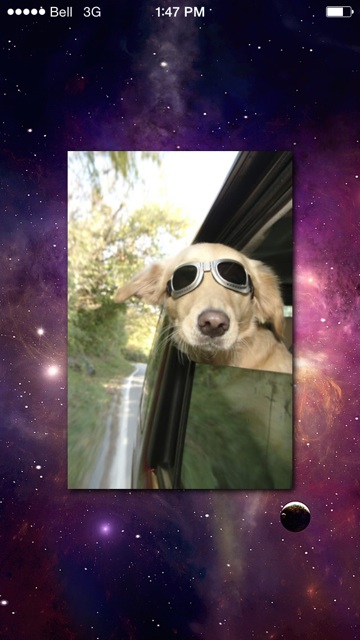
Recently I discovered two new apps catering to selfie lovers.  One app is Shots of Me and serves as an integrated platform exclusively for sharing selfies.  Follow, post, like and comment all in one place for all your selfies.

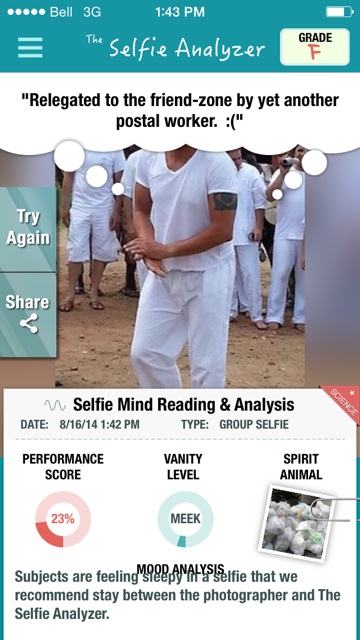
In August a new app, Selfie Analyzer, was released that analyzes selfies based on some sort of criteria and scores the results.  Allegedly based on “science”. My friend downloaded it for us to try.

I received a “C-” on this one, so no trophies.  I felt secretly relieved my spirit animal wasn’t a possum or a muskrat…

My spirit animal according to Selfie Analyzer.

My spirit animal according to Selfie Analyzer.

Just for fun, we analyzed a picture of my friend’s ex-boyfriend.

Selfie Analyzed of my friend's ex-boyfriend.

Selfie Analyzed of my friend’s ex-boyfriend.

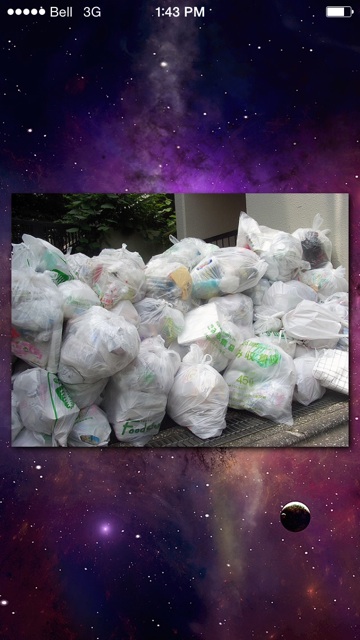
Who knew the spirit animal could be inanimate?  Must be based on more of that “science”.

Spirit "animal" of my friend's ex-boyfriend.

Spirit “animal” of my friend’s ex-boyfriend.

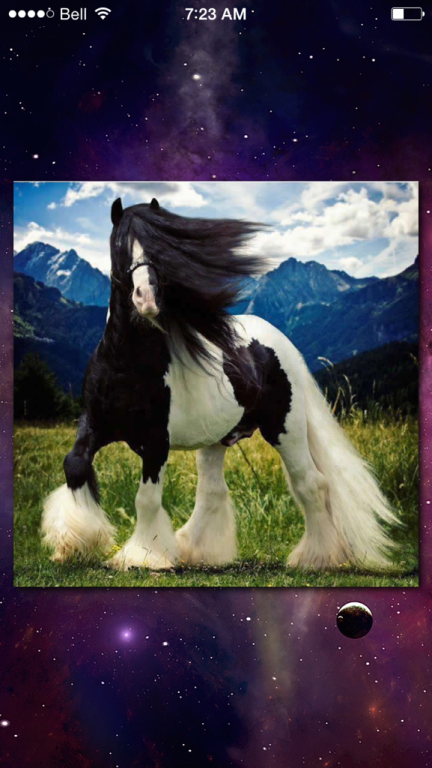
And my friend’s spirit animal.

Friend's spirit animal.  Adequately captured her luscious, flowing locks.

Friend’s spirit animal. Adequately captured her luscious, flowing locks.

One does have to wonder why a company would work so hard to make a game out of analyzing selfies and offer it for free.  Where is this leading?  To more targeted advertising, naturally.  Many companies are tapping into the selfie craze.  Recently Kraft Macaroni and Cheese hired a company called Ditto Labs to analyze publicly available selfies for brand recognition.  Ditto Labs has a program that can recognize and analyze brands that appear in photos, including those represented in selfies, which gives retailers new ways to target consumers.

If you like taking selfies, watch where you point that camera!

Yo! New updates!

I first blogged about “Yo” in July. Just to recap it’s a new app that allows for 2-way communications between people, but only by using the word Yo.  Or if you’re feeling chatty you can send Yo-Yo to somebody.  From that point on, it’s entirely up to the recipient to infer the intended meaning of the two-character message.

Recently Yo has released some new updates that increase its functionality. The new features, which are described on the Yo blog include:

  • Enhanced user profiles – now users can add details to their username such as a name and photo.  The username details are revealed by simply swiping the username to the right.
  • Link attachments – it is now possible to send a link to somebody attached to a Yo.  Once received, the recipient can seamlessly connect to the link by tapping the Yo notification.
  • The Official Yo Index – many companies are tapping into the capabilities of Yo to provide customers with notifications related to specific products or services.  The Yo Index provides a place for companies to list their names and which services will provide notifications.  For example, if you sign up for the FedEx Yo, you will receive a Yo notification when your package has arrived.
  • Trending Hashtags – ok, here I have to admit I’m a bit confused by this one, but that could be because I don’t use Yo so I haven’t actually tried out this function.  Apparently Yo users can create hashtags and then get support for them by receiving Yo’s.  I suppose it’s similar to the “like” or “favorite” feature on Facebook and Twitter, respectively.  The Yo website even has a page for trending hashtags, featuring those that have received the most Yo’s.

Initially I didn’t think much of Yo. I still don’t have a terribly high opinion of it, mostly because I feel like it doesn’t do anything that hasn’t already been done before.  However, I can appreciate what Yo is trying to accomplish, which is a seamless experience of connecting you with the things you care about, such as people, links, notifications, updates, images, comments, etc. all in one centralized location.  It’s making the process of linking people with information more efficient and seamless.  What’s not to like about that?

Patagonia: Tierra del Fuego – Cape Horn

After a relaxing day spent watching glaciers and eating lots of delicious food, we got ready for the next day’s excursion to Cape Horn, where the Atlantic and Pacific Oceans meet at the bottom of the world.  In order to safely disembark three key conditions had to be met.  I don’t remember them but they all had to do with water (e.g. wave height) and weather conditions.  If conditions were favorable, we would have one hour to explore the albatross monument, the lighthouse and a small shop on the island.

Spending more than an hour was risky because conditions can change rapidly.  The crew impressed this point by showing us a picture of a zodiac being flooded by a wave during one trip ashore when the conditions changed for the worse.  The people in the boat were submerged briefly underwater.  Naturally I was terrified.  I barely slept that night because I had terrible thoughts of my family being swept out into the oceans by an errant wave.

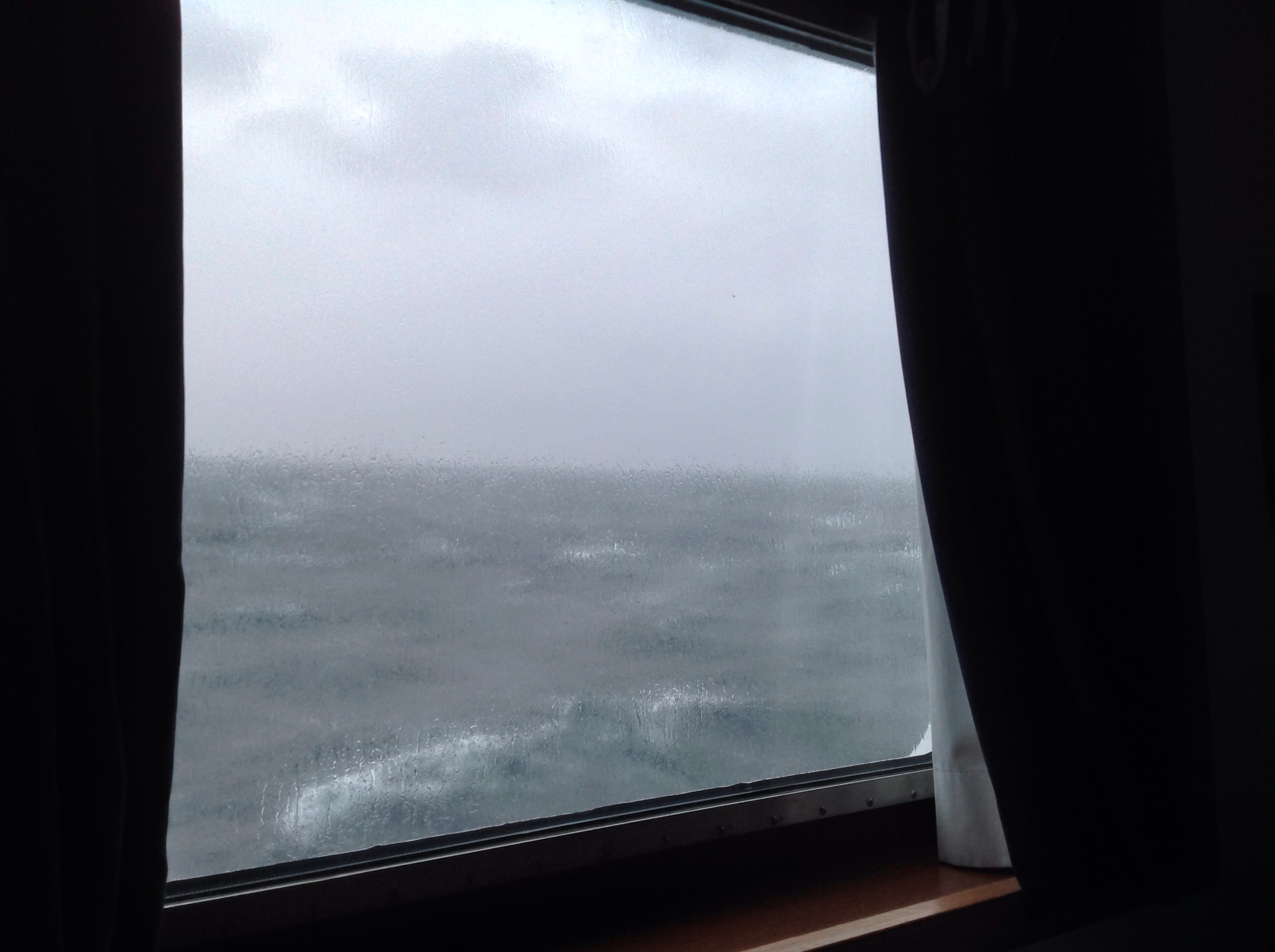
Needless to say when I snapped this picture at 4:30am the next morning, I felt relieved and mildly disappointed.  Sea birds, likely petrels or albatross, were swooping and playing in the storm.

A storm was brewing.  It was exciting watching the birds swoop and play in the waves & wind.

A storm was brewing. It was exciting watching the birds play in the waves & wind.

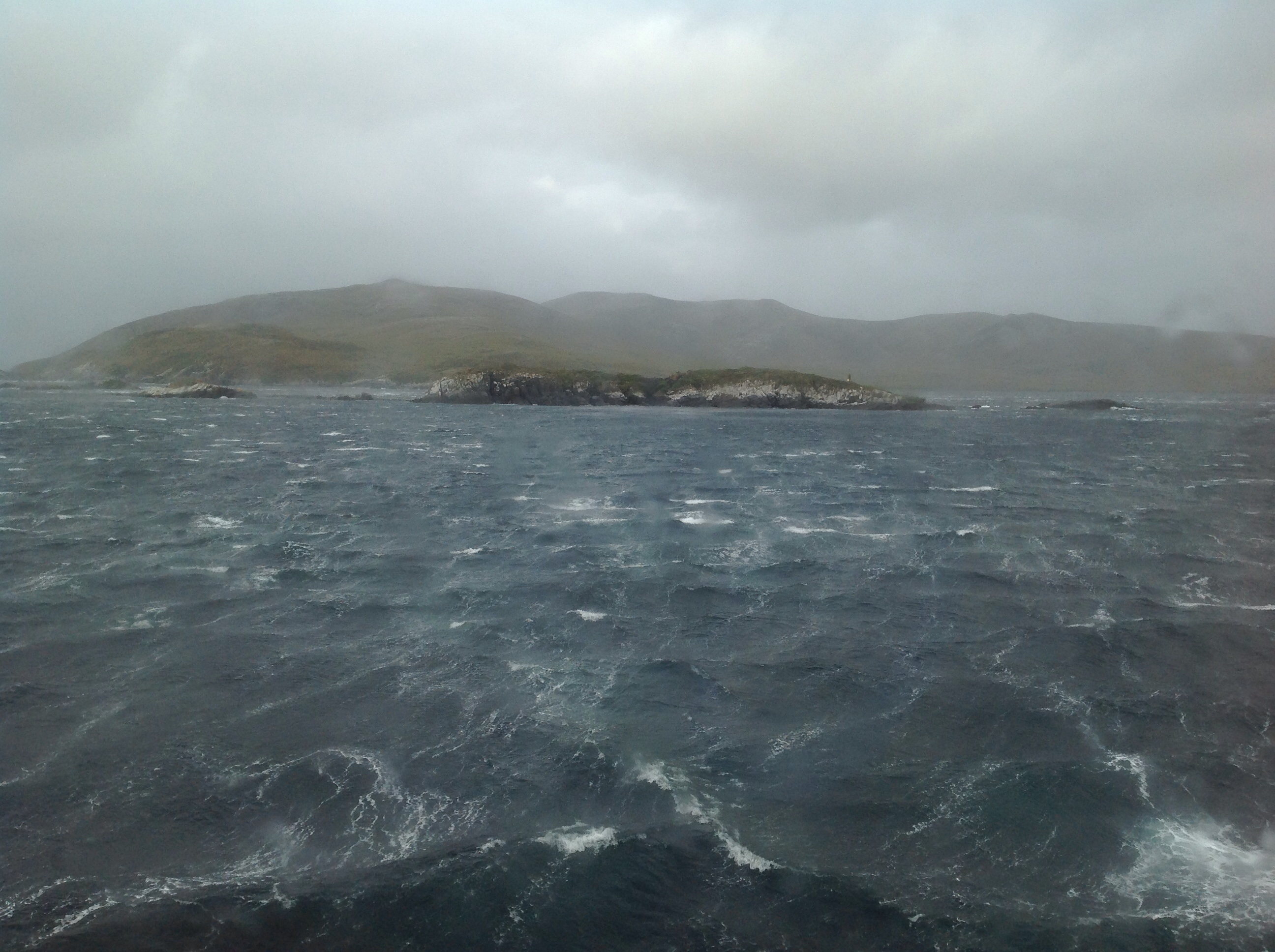
Although I was doubtful we would be allowed ashore, we still assembled at 6:30am in the lounge.  Here’s my first glimpse of the island.

Approaching Cape Horn in increasingly turbulent conditions.

Approaching Cape Horn in increasingly turbulent conditions.

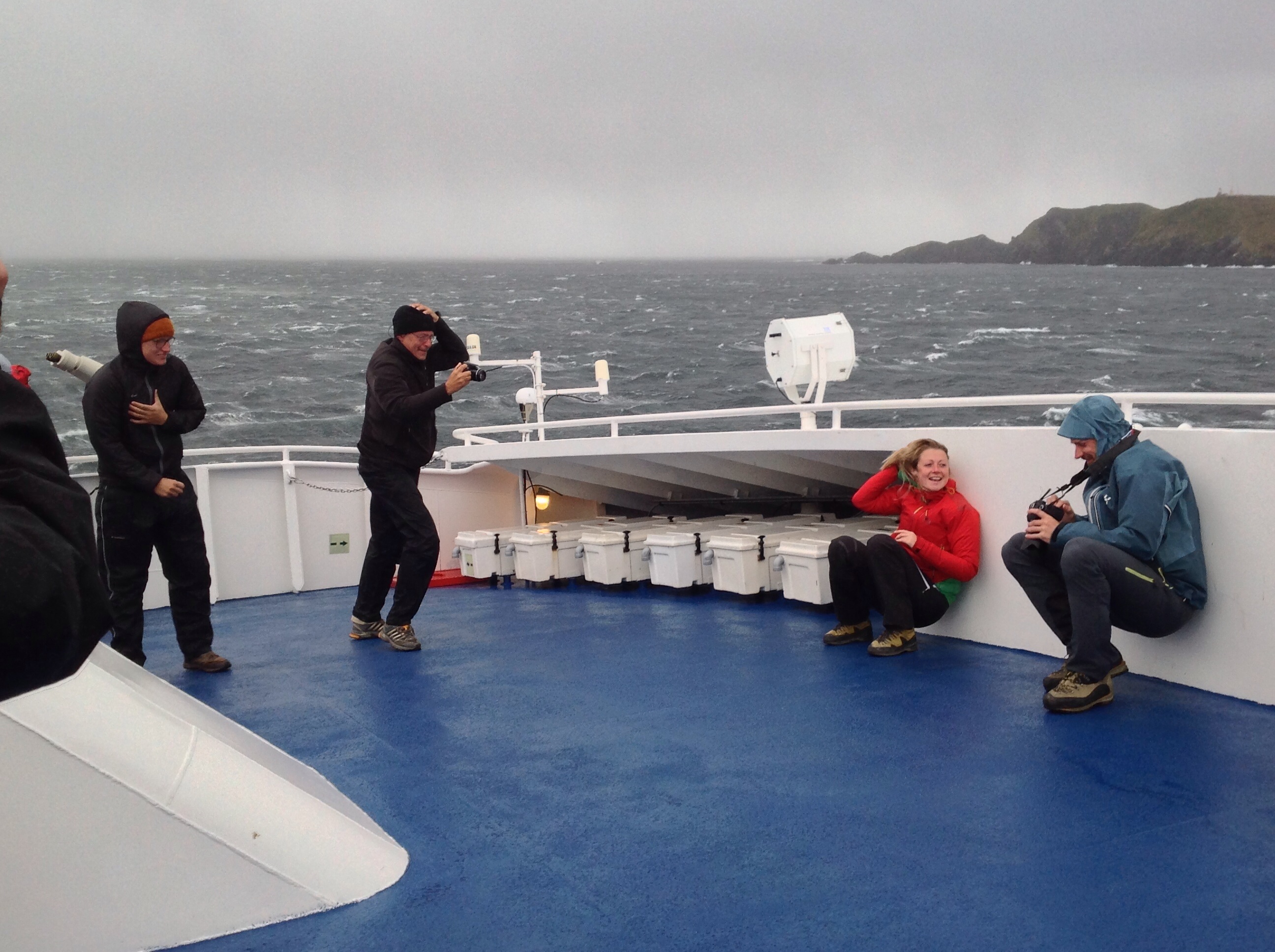
The conditions progressively worsened into something close to a small hurricane.  Once it was announced that we had spectacularly failed all of the condition tests, I went onto the deck to snap a few pics.

Fellow passengers having an adventure at Cape Horn.

Fellow passengers having an adventure at Cape Horn.

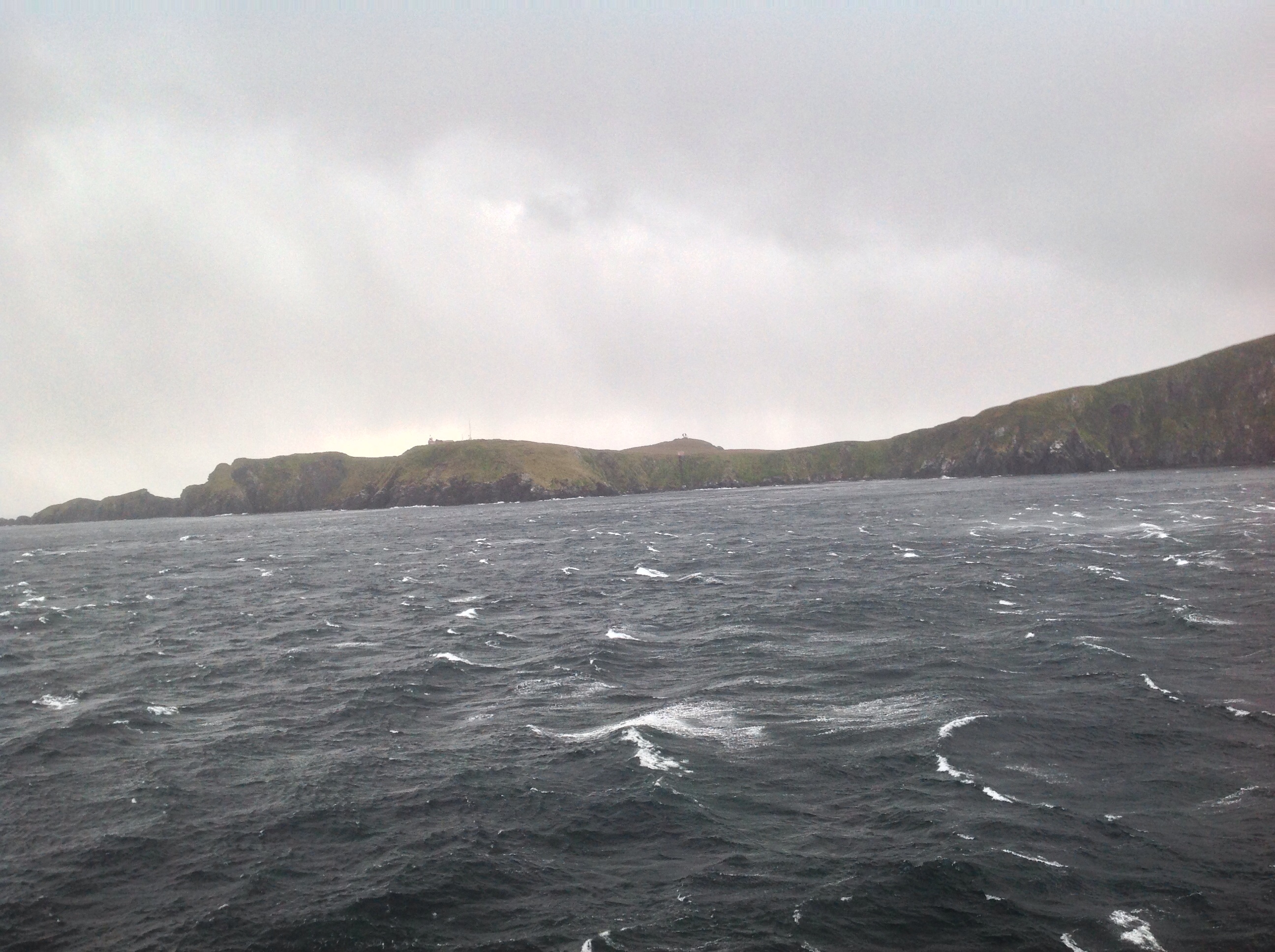
All my pics of the island are shaky. I was clutching my iPad so tightly to prevent it from being blown away that I didn’t dare remove a hand to focus the image.  If you look closely you can see the albatross monument in the middle on a small mound.

Shoreline of Cape Horn.

Shoreline of Cape Horn.

After a couple of pictures I retreated back to the lounge and watched the torrential rain.  Some people were disappointed that we didn’t get to disembark, but experiencing Cape Horn in a storm was pretty amazing and felt authentic to me.

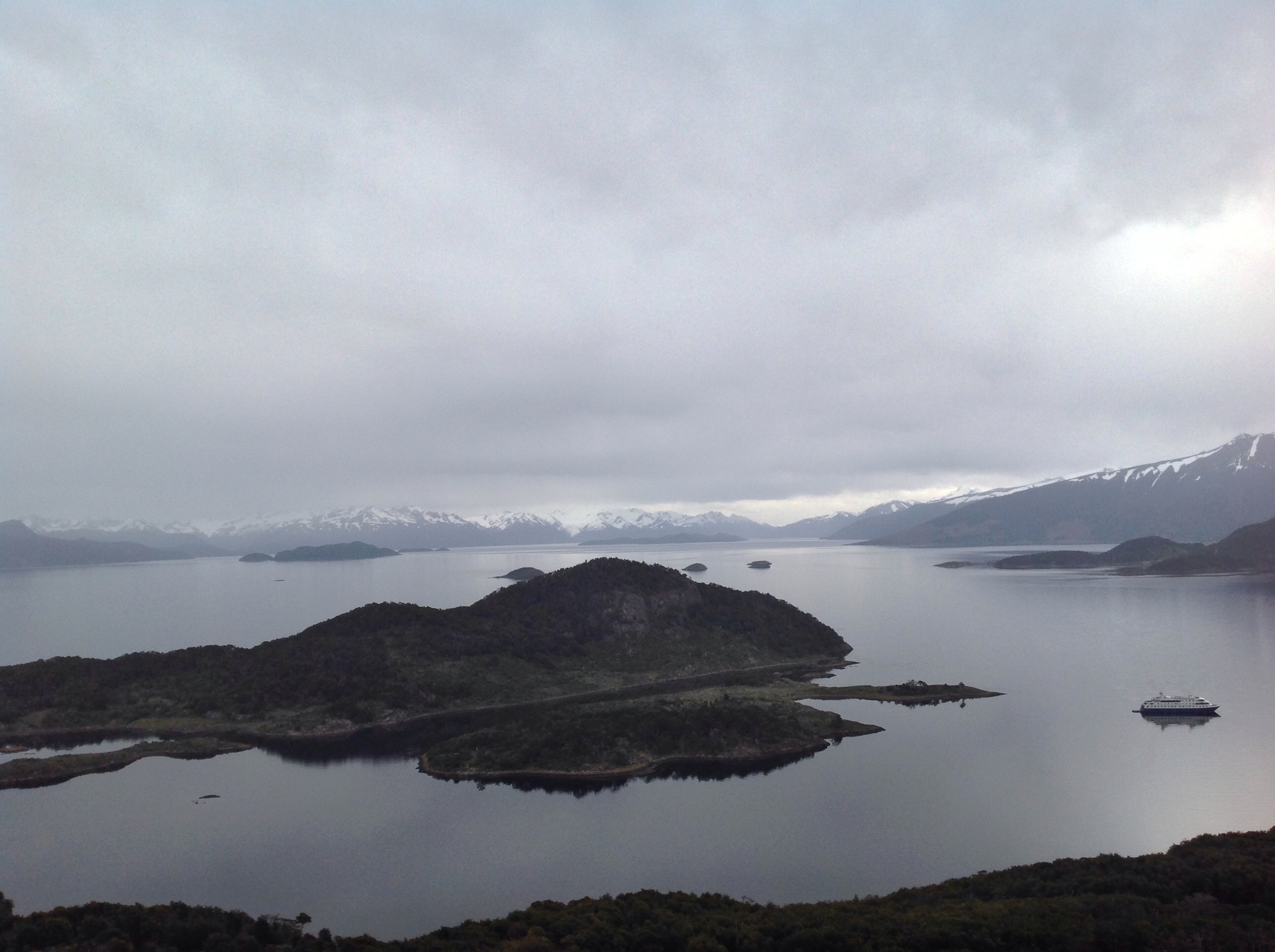
Next stop, Wulaia Bay.

Getting Organized: Maintenance (part 4/4)

The trick to maintenance is doing it, but in a way that feels manageable to your workload, effort, and unique style of working.  This led me to the creation of Tips 4 & 5.

Tip #4: Be kind to yourself.  I like to focus my attention on all the things I am accomplishing rather than chastising myself for all the tasks still outstanding on my spreadsheet.  It helps me feel motivated to attack those less desirable, but mandatory tasks.

Tip #5: Work slowly and steadily to get things done.  Create new habits for yourself.  Here are some of my new and pre-existing habits that work well for me to stay organized.

  1. Always have a secure place to record anything that needs to be done, no matter where you are.  In my house I have an easily accessible, yet discrete in-box with post-its nearby and a pen.  On my smartphone I maintain a note called GTD for jotting things down when I’m on the go.
  2. The weekly review.  David Allen stresses the importance of the weekly review and I couldn’t agree more.  Years ago, even before I read the GTD book, I got into the habit of writing a “to-do” list at work every Friday afternoon for the following week.  I liked it because it gave me a starting point for Monday, it was a chance for me to evaluate and reprioritize my workload, and it meant I didn’t have to spend all weekend thinking about what I needed to do next week.  Now I’ve expanded the weekly review to include my personal life as well and I find it really keeps me on track.  This is also an opportunity to review and integrate all those post-its and notes.
  3. Break large, intimidating projects into small, manageable steps that can be accomplished, i.e. the starting point that keeps you moving forward.
  4. Prioritize and perform tasks in relation to short-term and long-term goals.
  5. I’m allowed to work on whatever I want, provided there are no pressing deadlines, as long as I’m being productive or knocking something off my list.

Other key factors for ensuring I maintain my system include having access to my spreadsheet no matter where I am.  For the moment I have my spreadsheet in my Dropbox account, which is linked to my laptop, tablet, and smartphone so that I can always see what I have to do at any given time.

I hope you enjoyed reading the series.  Feel free to download a “Projects and Actions Template” and “5 Simple Tips for Getting Organized” at Smart Info Management.

Getting Organized: Seeing Results (part 3/4)

I processed everything in my “in-box” over a couple of weeks.

In-Box emptied of small paper slips.  The box has since been replaced with something nicer.

In-Box emptied of small paper slips. The box has since been replaced with something nicer.

Some items, or tasks, were too massive or not important enough to complete at that time, but they were still duly noted on my tracking spreadsheet.

Projects organized and slated for future actions.

Projects organized and slated for future actions.

The Big Purge: Shred, Recycle, Toss.

Shred, Recyle, Toss.  I had quite a collection!

I had quite a collection!

At the end of my time as a GTD guinea pig I had accomplished some important things.

  1. I made space for my home office and set everything up.
  2. I identified future projects and recorded them on my spreadsheet so that they wouldn’t be occupying memory power in my brain.
  3. I purged a lot of stuff.
  4. I developed a system to track and record all of the things that need to be done in both my personal and professional life.  This was partially based on GTD methodology and partially based on my own experiences and ideas.

Throughout the experiment I was continually reminded of a key factor I noticed from my professional experiences many years ago.  In order to be organized and stay that way everything needs a place.  So this is Tip #3: Everything Needs a Home (even the handmade lace coasters, which incidentally were a gift from my mother).

Although the tip is succinctly stated and sounds easy, sometimes it’s harder to put into practice than it seems.  Sometimes part of finding a home for something means physically purchasing a new piece of furniture or a new external hard drive to store all of your items.  But one thing is guaranteed, if you don’t have a place to put an electronic or physical item, it will cause clutter, pile-ups, and backlog.

Stay tuned for next week’s gripping conclusion to the Getting Organized series on how to maintain what you started.

Getting Organized: Dealing with Curveballs (part 2/4)

I used GTD methodology to guide me in processing and actioning the to-do pile. The method recommends processing tasks according to the actions required to complete them and then doing them, rather than doing and processing simultaneously.  I followed Tip #1: Preparation is Key, except this time I prepared materials necessary for processing and doing tasks, such as filing supplies and bags for trash and recycling..  I also designated time to work on the project.

David Allen recommends creating different lists to keep everything organized, but I modified this into an Excel spreadsheet that works for me.

Sample of my GTD spreadsheet.  Note the tabs on the bottom.

Sample of my GTD spreadsheet. Note the tabs on the bottom.

Initially I was rapidly processing the pile either by doing the action or capturing it on the spreadsheet for later and then I hit…the dreaded curveball. Curveballs are those exceptional items, or objects, you need to keep but just don’t seem to “fit” anywhere.  The first one seemed innocuous but stopped me in my tracks.

Handmade lace coasters aka "curveball".

Handmade lace coasters aka “curveball”.

It seems silly, but I couldn’t think of a place to store these lovely, handmade lace coasters. They didn’t “fit” in with the stuff already in my drawers and cupboards.  I was worried that I would put them someplace and then forget where they had gone. Eventually I stashed them in a kitchen drawer.

The other major challenge I faced was projects embedded within other projects that made it perplexing to find starting points or resolution.  It was definitely a “chicken-and-egg” conundrum.  For example, I had filing to do, but I didn’t want to do the filing until I reorganized my filing system, which I couldn’t do until I figured out where to put it for my new home office configuration.  It got ugly at one point.

Projects led to other projects.  Note the copy of GTD in the bottom left hand corner of the picture near the couch.

Projects led to other projects. Note the copy of GTD in the bottom left hand corner of the picture near the couch.

Resolving curveballs and the projects-within-projects challenge led me to Tip #2: Keep Moving Forward.  Similar to starting the whole project, continually moving forward maintained my momentum and productivity.  With the filing-project challenge mentioned earlier I kept moving forward by:

  1. Identifying the documents and organzing them into piles, even though I didn’t have a place for them yet.
  2. Recording the projects in my spreadsheet (1 – Relocate filing system, 2 – Reorganize system, 3 – File).
  3. Breaking down the first project into small, manageable steps.

Stay tuned for next week’s installment Getting Organized: Seeing Results.

Visit Smart Info Management’s product page to download your own Projects and Actions Template.